Professional Installer
Prepares product, installation, vehicle, customer, and documentation details.

REGISTER A WARRANTY
Register an eligible VEHICOTEK installation using the product, installer, vehicle, customer, and installed-area information required by the warranty workflow.
ROLES
A professional installer may submit the installation record, the vehicle owner may receive the warranty ID, PIN, and certificate when issued by the backend, and VEHICOTEK may review eligibility before activation.
Prepares product, installation, vehicle, customer, and documentation details.
Keeps the issued record, PIN, certificate, and care documentation.
May verify eligibility, documentation, duplicate records, and authorization.
PROCESS
Each step is controlled by the applicable written terms and the backend workflow. Browser-only state must not create warranty records, claim IDs, certificates, or approvals.
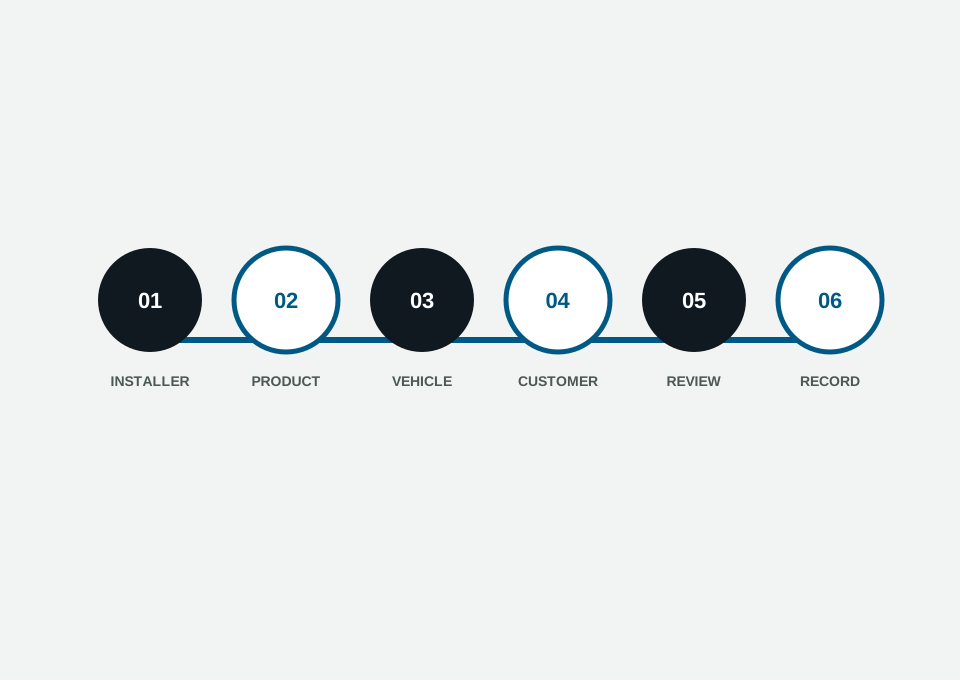
Confirm shop, account identity, and installer relationship.
Record film category, series/model, SKU or finish, and roll identification when required.
Provide VIN or approved vehicle identifier plus vehicle details.
Provide owner contact information under approved privacy controls.
Validate required fields and acknowledge applicable terms before backend submission.
Share only backend-issued record details after successful confirmation.
FORM ENTRY
Approved installers register warranties from real authenticated Installation Records through the backend-connected portal workflow. This public page explains the entry path and does not create a local, anonymous, or fake warranty record.
No fake submission
Public anonymous warranty registration is not implemented or supported in F3C-B1. Use the approved installer portal workflow to register an eligible completed installation.
Warranty registration can include vehicle and customer information. Do not expose full contact details, VIN, internal notes, or certificate data unless the backend authorizes the viewer.
NEXT STEP
Contact support, find an installer, or return to the warranty overview. Private warranty records must stay behind approved verification and account authorization.